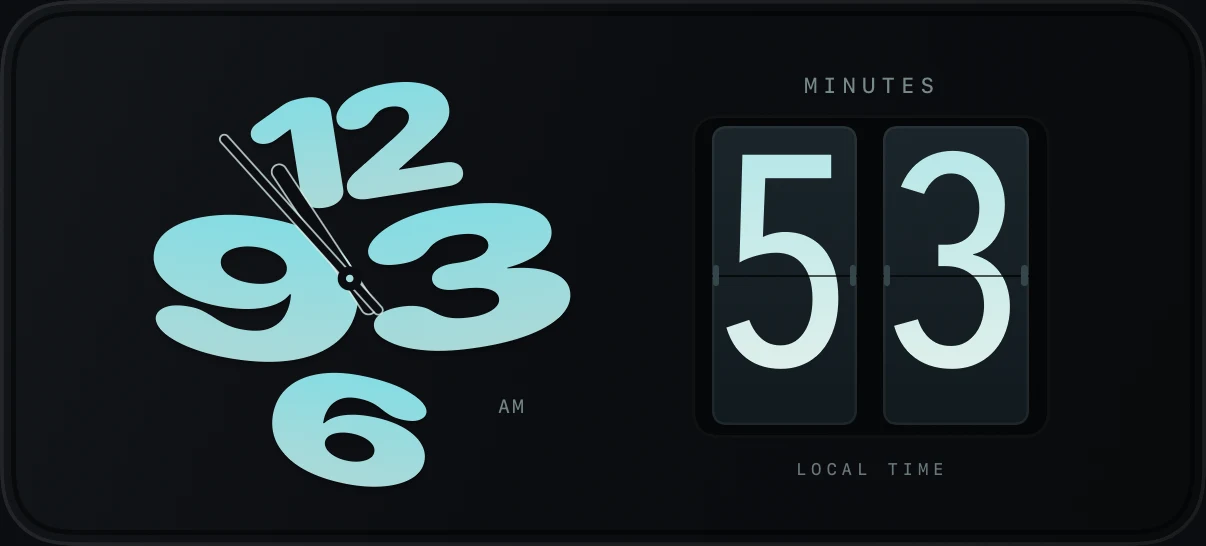
CLOCKS
Time, with character
Sculptural numbers. A familiar flip. A fresh way to watch the day go by.
SMALL WIDGETS. A WORLD OF YOUR OWN.
Your favorite moments. Your everyday rituals.
A home screen that feels like home.
Made for iPhone · iOS 17 and later
 A little time for yourself.
A little personality.
A little possibility.
A little island of your own.
01 / THE COLLECTION
From the first glance in the morning to one last song at night. Find the little things that make your day yours.
Sculptural numbers. A familiar flip. A fresh way to watch the day go by.
A little time for yourself.A gentle calendar, a friendly face, and a new little scene for your day.
Set your pace with a timer that makes a little space for one thing.

Birthdays, milestones, and the moments you can’t wait to celebrate.
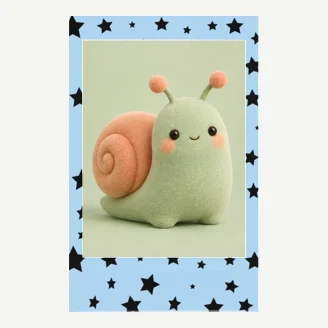
Turn the photos you choose into a little corner of your home screen.
A pocket piano for a few notes of joy, whenever inspiration finds you.
A glimpse of the collection · illustrative previews
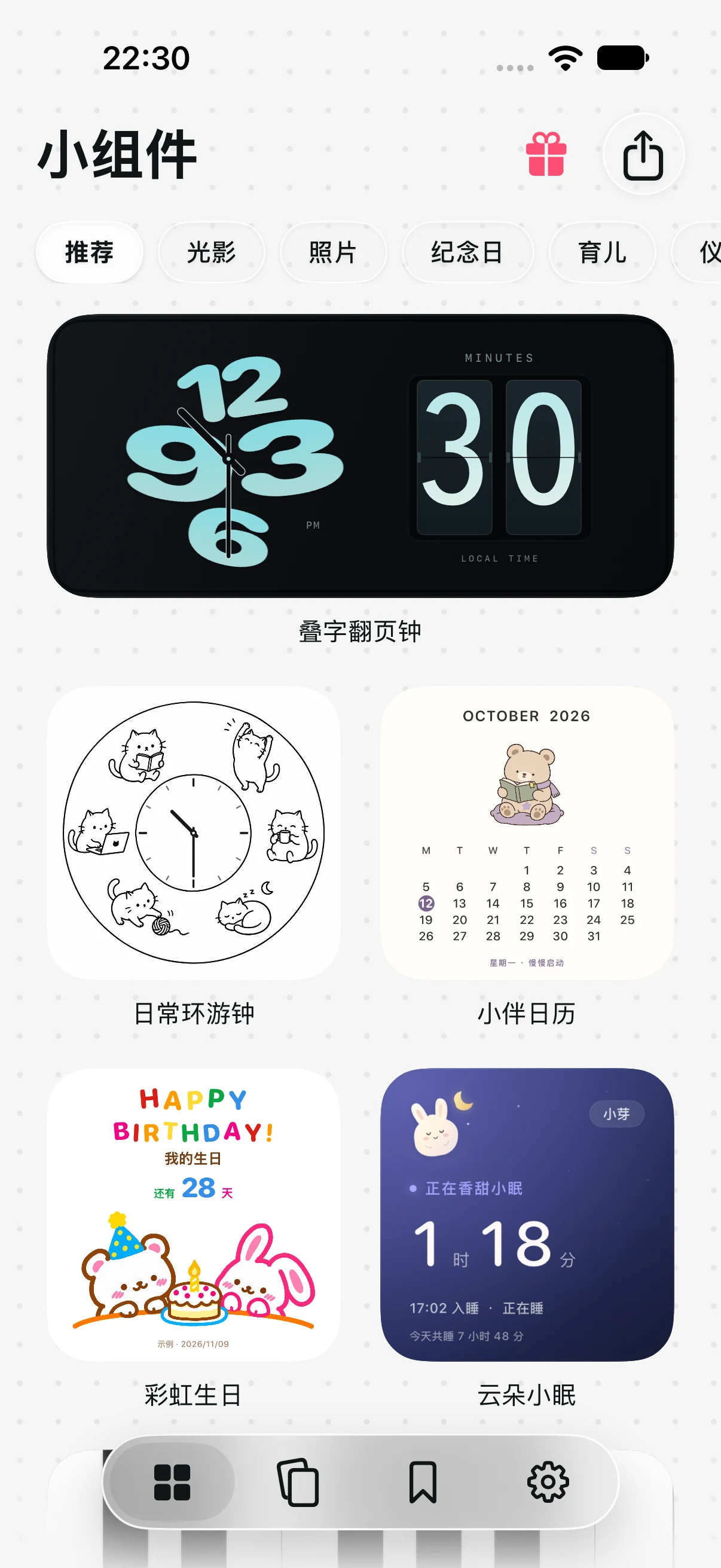
02 / MAKE IT YOURS
A few small steps. A very personal space.
Browse the collection and choose a widget that feels like you.
Choose the size and available colors, photos, or details. Then save your widget.
Long-press your Home Screen, add Widget Island, and select your saved design.
03 / A LITTLE PEACE OF MIND
Personal should mean yours. Your widget settings, photos, and everyday records are stored on your device. Connect Apple services only for the features you choose.
Our approach to privacyJust open the app and make yourself at home.
Photos, weather, music, and health — only when you choose to connect.
No ad SDKs or third-party analytics in the app.
A FEW THINGS TO KNOW
Widget Island is made for iPhone running iOS 17 or later. Available widget sizes and system features vary by device and iOS version.
First customize and save a widget in the app. Long-press an empty area on your Home Screen, choose Edit → Add Widget (or the + button), then find Widget Island. Add a supported size and select your saved design. On iOS 17, long-press the added widget and choose Edit Widget to select the design.
No. Clocks, calendars, timers, habits, and manually entered care records work without access to your photos, location, music, or health data. Extra permissions are requested when you choose a feature that needs them.
Many widgets use on-device settings and records. Fresh weather, Apple Music services, and some artwork need an internet connection. Apple Music playback may require an eligible subscription.
Selected photo copies, widget settings, habit history, and care records are stored locally in the app’s shared storage. Apple Health is read only with your permission. See our Privacy Policy for details about cached data, Apple services, website hosting, and deletion.
MAKE SPACE FOR WHAT YOU LOVE
Something useful. Something playful. Something you.